
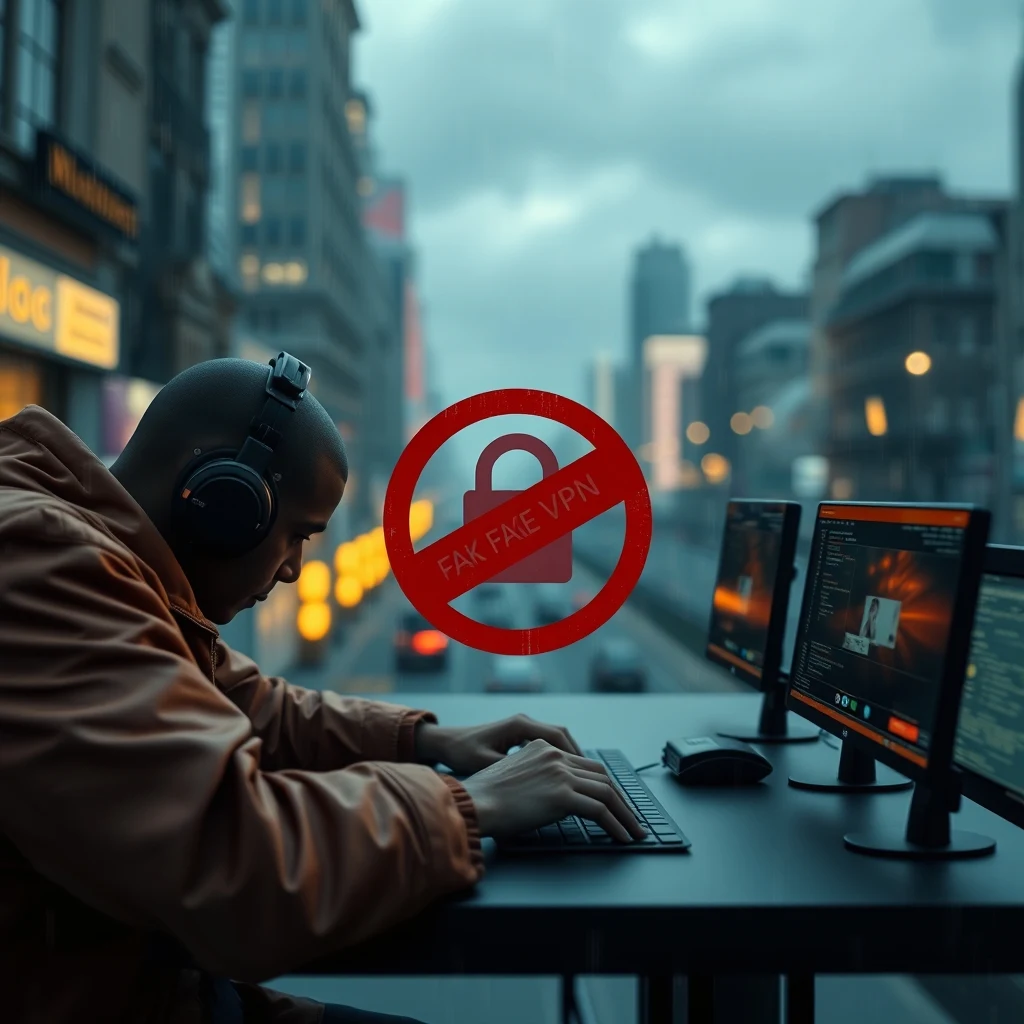
When you open the Apple App Store or Google Play Store and search for a Virtual Private Network (VPN), you are met with thousands of slick, colorful apps promising bulletproof privacy, military-grade encryption, and absolute anonymity. For millions of mobile users, tapping "Install" feels like an instant shield against digital surveillance, hacker snooping, and invasive advertiser tracking. However, behind those shiny interface buttons lies a troubling digital reality.
A comprehensive investigation into nearly 4,800 mobile VPN applications across iOS and Android storefronts reveals that a shocking number of these services are bad actors operating in the shadows. Thousands of apps rely on generic @gmail.com support addresses, copy-pasted privacy policy templates, missing corporate disclosures, and non-functional websites that serve as nothing more than digital stage props. Instead of protecting your personal information, these low-quality and potentially malicious VPNs often collect, log, and sell your private browsing habits to the highest bidder.
At TechRook, we believe that real digital security begins with transparency and education. In this extensive guide, we will unpack how these fake mobile VPNs operate, reveal the hidden infrastructure powering them, and provide you with actionable steps to identify and avoid dangerous privacy traps.
The Illusion of Trust on Mobile App Stores
For over a decade, app stores have cultivated an aura of safety. Users naturally assume that if an app is hosted on Apple’s App Store or Google Play, it has undergone rigorous vetting to ensure it operates ethically and securely. While both tech giants perform basic malware scanning and automated code reviews, storefront verification standards for developer metadata, privacy policy legitimacy, and corporate transparency remain surprisingly porous.
Creating a mobile VPN app requires far less technical infrastructure today than it did five years ago. White-label VPN providers and open-source software packages allow virtually anyone—from solitary amateur developers to opportunistic data brokers—to spin up a functional VPN app in a matter of hours. These apps are submitted to storefronts, wrapped in aggressive marketing slogans, and pushed to the top of search rankings using manipulated review scores and targeted search engine optimization tactics.
Because storefront algorithms prioritize user downloads, app engagement, and keyword relevance over rigorous operational auditing, predatory VPNs frequently rank alongside long-standing, reputable cybersecurity firms. When users download these apps, they hand over full access to their device's network traffic under the false impression that they are securing their connection.
Inside the Audit: What Is Hiding Behind Shady Mobile VPNs?
To understand the sheer scale of the problem, cybersecurity researchers examined thousands of active VPN listings across the iOS and Android ecosystems. The findings paint a concerning portrait of an industry filled with deceptive practices and minimal accountability.
1. Free Email Addresses Used for Customer Support
A primary marker of a legitimate business is an official domain name and professional email infrastructure. You would expect a security vendor that manages encrypted internet traffic to handle user inquiries through a secure domain like support@vpnprovider.com. Yet, thousands of audited VPN apps list free email accounts—such as @gmail.com, @yahoo.com, or @hotmail.com—as their primary point of developer contact.
Using a free webmail service for cybersecurity support presents severe operational risks. It indicates that the developer lacks dedicated IT infrastructure, standard customer service support channels, or formal corporate registration. More dangerously, if an unverified webmail account is compromised or abandoned, attackers can easily hijack customer inquiries, send phishing links, or intercept sensitive troubleshooting logs sent by unsuspecting users.
2. Copied, Generic, and Contradictory Privacy Policies
A VPN’s privacy policy is its core contract with the user. It explicitly defines what data is recorded, how long logs are stored, and under what legal jurisdictions those records fall. However, thousands of audited mobile VPNs use carbon-copy privacy policies copied directly from online template generators or stolen from unrelated third-party apps.
In many cases, these privacy policies contain legal absurdities and glaring contradictions, including:
- Missing Log Declarations: Policies that fail to specify whether connection timestamps, original IP addresses, bandwidth consumption, or visited URLs are tracked.
- Irrelevant Industry Clauses: Policies meant for e-commerce stores or blogging platforms that mention physical shipping addresses and credit card handling, while completely ignoring network traffic logging.
- Direct Privacy Contradictions: Promotional material claiming a strict "Zero-Logs Policy," while the linked privacy policy buried in the footer admits to collecting personal identifiers, device IDs, and browsing activity for marketing purposes.
3. Fake Websites and Ghost Domains
When you click the "Developer Website" link on an app store listing, you expect to find a well-maintained corporate portal complete with team member information, server location lists, technical whitepapers, and clear pricing terms. Instead, thousands of mobile VPNs lead users to non-functional or misleading websites.
Common website anomalies found during audits include single-page landing sites hosted on free platforms like WordPress.com or Wix, domains displaying default server setup errors, dead links that return 404 errors, and stolen design assets lifted directly from well-known cybersecurity brands. These sites exist solely to satisfy the app store requirement for a valid URL, acting as digital facades that hide the developer's true identity.
4. Obscure Ownership and Shell Companies
Knowing who operates your VPN service is critical. If a government agency or legal entity requests user data, the VPN’s corporate location determines whether they can legally resist or if they are mandated to surrender records. A concerning number of mobile VPN developers operate through anonymous shell companies registered in offshore tax havens, offshore jurisdictions with weak corporate disclosure laws, or secretive holding companies that mask the true beneficial owners.
When developer details are hidden behind proxy registration services or non-existent corporate entities, users have no legal recourse if their sensitive data is stolen, exposed, or sold.
The Business Model: How "Free" VPNs Monetize Your Data
Maintaining a global network of high-speed servers, purchasing bandwidth, and upgrading security infrastructure is extremely expensive. If a mobile VPN offers unlimited bandwidth for free without an obvious premium subscription model, you must ask a fundamental question: How is this company paying its bills?
When an app does not charge you money, your personal data becomes the product. Deceptive VPNs monetize their user base through several aggressive channels:
Data Harvesting and Brokerage
Because a VPN routes all your mobile traffic through its servers, an unencrypted or untrustworthy provider can monitor every web request your phone makes. Bad actors capture your browsing history, app usage habits, location data, and device identifiers. This rich personal profile is bundled and sold to third-party data brokers, ad networks, and market research agencies.
Ad Injection and Tracking SDKs
Unethical mobile VPNs frequently embed invasive Software Development Kits (SDKs) directly into their application code. These SDKs can inject unsolicited advertisements into web pages you visit, redirect your search queries to affiliate marketing links, and continuously track your physical location in the background even when the VPN tunnel is inactive.
Bandwidth Reselling
Some free mobile VPNs quietly convert your phone into an exit node for a residential proxy network. This means third parties, including commercial entities and cybercriminals, can route their traffic through your mobile device's internet connection. If a malicious actor uses your proxy node for illegal activities, those actions can be traced directly back to your home network or mobile IP address.
Comparing Legitimate vs. Deceptive VPN Providers
To help you visually differentiate between trustworthy security services and suspicious mobile apps, examine the key structural differences below:
| Evaluation Criteria | Legitimate VPN Provider | Deceptive / Fake VPN Provider |
|---|---|---|
| Support Contact | Dedicated domain email (e.g., support@brand.com) and 24/7 live chat systems. | Free email services like @gmail.com, @yahoo.com, or dead contact forms. |
| Privacy Policy | Custom, legally binding policy verified by independent third-party audits. | Generic, copy-pasted policy with missing logging terms and vague language. |
| Website & Infrastructure | Comprehensive website detailing server locations, team members, and whitepapers. | Single-page placeholder site, broken links, or free platform hosting. |
| Security Audits | Regular public security and zero-logs audits conducted by major firms (e.g., PwC, Cure53). | No external audits, hidden ownership, and zero technical documentation. |
| Monetization Model | Transparent subscription plans or clearly limited freemium tiers. | Completely free with unlimited data and covert ad-tracking SDKs embedded. |
| App Permissions | Requires only essential VPN configuration profiles. | Demands intrusive permissions like GPS access, contacts, SMS, and photo storage. |
How to Spot Fake Mobile VPNs: Step-by-Step Guide
Protecting your digital privacy requires careful inspection before installing any mobile security tool. Follow this simple guide to thoroughly vet any iOS or Android VPN before giving it access to your network traffic.
Step 1: Inspect the Developer's Contact Information
Scroll down to the developer information section on the App Store or Google Play Store listing. Look closely at the contact email address provided. If the support email uses a public webmail domain like @gmail.com or @outlook.com, consider this a major warning sign. Legitimate cybersecurity organizations operate professional web servers and conduct support communications through their custom corporate domain.
Step 2: Scrutinize the Privacy Policy URL
Click on the privacy policy link listed in the app description and ask yourself these essential questions:
- Does the policy explicitly state what data is collected, processed, and stored?
- Does it clearly mention "Virtual Private Network services" or does it read like a generic document for an e-commerce website?
- Is the policy hosted on the app’s official domain, or is it hosted on a generic document-sharing site like Google Docs, GitHub, or Notion?
- Are there clear guidelines regarding data retention periods and responses to government requests?
If the privacy policy is vague, uses evasive language like "we may collect data for operational improvements," or lacks specific details about IP address logging, do not install the app.
Step 3: Investigate the Official Website and Domain Ownership
Never rely solely on the mobile app store page. Open a web browser and evaluate the developer's official website. Search for a comprehensive list of global server locations, active customer support channels, detailed setup guides, and clear business registration details. You can also run a quick WHOIS domain lookup to see when the website domain was registered. If a VPN claims a decade of security excellence but its domain was created three weeks ago, walk away.
Step 4: Look for Independent Third-Party Security Audits
The gold standard for modern VPN trust is an independent third-party audit. Reputable VPN providers routinely hire respected cybersecurity firms—such as PwC, Deloitte, KPMG, or Cure53—to inspect their server infrastructure, source code, and zero-logs claims. These audit reports are published publicly for anyone to read. If a VPN app claims to be "100% Secure" or "Zero-Logs" but cannot provide an independent audit report, treat those statements as unverified marketing claims.
Step 5: Check App Permissions Carefully
When you install a VPN on iOS or Android, the operating system will ask for permission to add network configurations. This is completely standard and necessary for creating an encrypted tunnel. However, an app should never ask for permissions unrelated to networking. Be extremely suspicious if a mobile VPN requests access to:
- Your device's precise GPS location
- Your camera or microphone
- Your contact list and address book
- Your device storage, photos, and files
- Your SMS messages and call logs
Granting these permissions allows a malicious app to collect rich personal telemetry that completely undermines any privacy benefits the VPN offers.
Step 6: Research the Operating Jurisdiction and Corporate Hierarchy
Find out where the VPN company is legally incorporated. Reputable VPN services often base their headquarters in privacy-friendly nations that fall outside invasive intelligence-sharing alliances (such as the 5 Eyes, 9 Eyes, or 14 Eyes alliances). Be cautious if the developer details lead to unknown holding companies, shell entity registries, or countries with strict mandatory data-retention laws that force services to secretly log user activity.
The Need for Better App Store Governance
While users must remain vigilant, the existence of thousands of shady VPNs points to a larger systemic issue within mobile application ecosystems. Apple and Google serve as gatekeepers for billions of connected devices, and current app submission guidelines are not keeping pace with deceptive developer practices.
To create a safer environment, store platforms must implement stricter verification rules for apps handling sensitive user traffic. These standards should include mandatory developer domain verification, strict prohibitions against using free email accounts for commercial support, and enforced disclosures regarding parent companies and ultimate beneficial owners.
Until these automated store controls are implemented, consumer education remains the primary defense against digital manipulation.
What to Do If You Have Installed a Shady Mobile VPN
If you realize that an untrustworthy VPN is currently installed on your mobile phone, take the following steps immediately to protect your device and regain control over your data:
- Cancel Active Subscriptions: Open your app store account settings, locate your active subscriptions, and cancel any recurring payments tied to the application to prevent unwanted charges.
- Revoke System Permissions: Go to your phone's system settings, select the suspicious app, and disable all system permissions, including background data usage, location tracking, and network configurations.
- Delete the VPN Configuration Profile: On iOS, navigate to Settings > General > VPN & Device Management and remove the VPN profile. On Android, go to Settings > Network & Internet > VPN, tap the settings gear next to the app, and choose "Forget VPN."
- Uninstall the Application: Completely uninstall the app from your device to stop any lingering background execution or telemetry collection.
- Reset Network Settings and Passwords: As an added safety measure, clear your browser caches, reset your network settings, and update passwords for key online accounts if you used sensitive services while connected to the untrusted VPN.
Final Thoughts: Prioritize Proven Security Over Convenience
Virtual Private Networks remain an essential tool for protecting your online data on public Wi-Fi networks, bypassing unfair censorship, and keeping your personal browsing habits private from internet service providers. However, a bad VPN is vastly more dangerous than using no VPN at all. An untrustworthy provider sits directly in the middle of all your mobile communications, gaining unfettered access to your private internet traffic.
Do not let flashy graphics, inflated star ratings, or promises of "100% Free Unlimited Security" trick you into compromising your personal data. Always investigate who operates the service, review their privacy policy with a critical eye, verify their business domain, and insist on audited zero-logs guarantees.
Stay informed, remain proactive, and keep reading TechRook for the latest cybersecurity analysis, independent reviews, and digital privacy guides.



0 Comments