
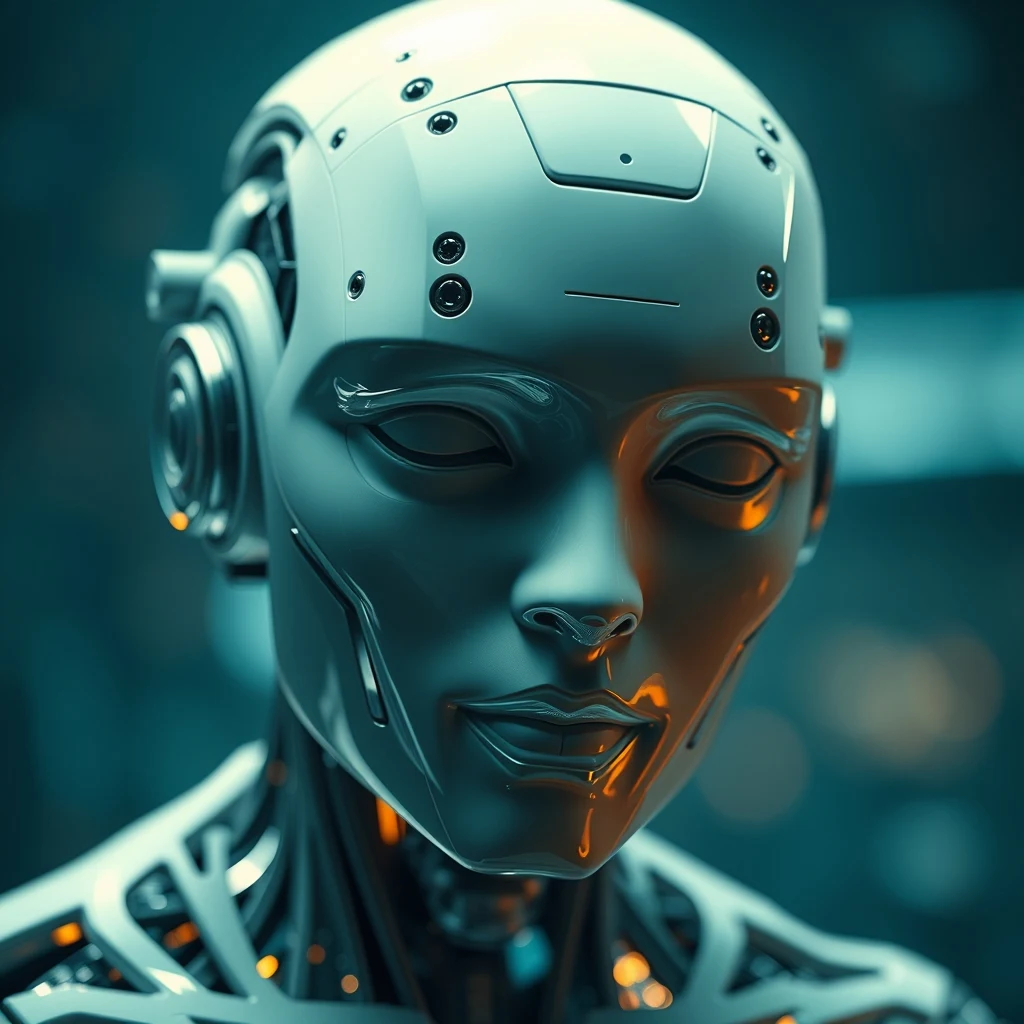
Introduction to AI Generated Art
With the rapid advancement of technology, artificial intelligence (AI) has made its way into the world of art and design. AI generated art has become increasingly popular, and it's now easier than ever to create stunning digital art with the help of machines. In this article, we'll explore the world of AI generated art and provide a step-by-step guide on how to create AI art with ease.
What is AI Generated Art?
AI generated art refers to the use of machine learning algorithms to create unique and original pieces of art. These algorithms are trained on vast datasets of images, which enables them to learn patterns, shapes, and colors. By using this technology, artists and designers can generate high-quality art and designs that are not only visually stunning but also unique and innovative.
Benefits of AI Generated Art
The benefits of AI generated art are numerous. Some of the most significant advantages include:
- Increased efficiency: AI generated art can be created much faster than traditional art, making it ideal for projects with tight deadlines.
- Improved consistency: AI algorithms can ensure that the art generated is consistent in terms of style and quality.
- Enhanced creativity: AI can generate new and innovative ideas that may not have been possible for human artists to create on their own.
Tools and Software for AI Generated Art
There are several tools and software available that can help you create AI generated art. Some of the most popular options include:
- Deep Dream Generator: A web-based tool that uses neural networks to generate surreal and dreamlike images.
- Prisma: A mobile app that uses AI to transform your photos into works of art in the style of famous artists such as Van Gogh and Picasso.
- Adobe Fresco: A drawing and painting app that uses AI to help you create realistic brushstrokes and textures.
Step-by-Step Guide to Creating AI Art
Creating AI art is easier than you think. Here's a step-by-step guide to get you started:
- Choose a tool or software: Select a tool or software that suits your needs and skill level.
- Upload your image: Upload an image or photo that you want to use as the basis for your AI art.
- Select a style or theme: Choose a style or theme that you want to apply to your image, such as a famous artist or a particular genre of art.
- Adjust the settings: Adjust the settings and parameters to fine-tune the output and achieve the desired effect.
- Generate the art: Click the generate button and let the AI algorithm do its magic.
Tips and Tricks for Creating AI Art
Here are some tips and tricks to help you create stunning AI art:
- Experiment with different styles: Don't be afraid to try out different styles and themes to see what works best for your image.
- Adjust the parameters: Adjust the parameters and settings to fine-tune the output and achieve the desired effect.
- Use high-quality images: Use high-quality images as the basis for your AI art to ensure that the output is crisp and clear.
Conclusion
Creating AI generated art is a fun and innovative way to express your creativity. With the help of machine learning algorithms and specialized tools and software, you can generate stunning digital art that is unique and original. By following the steps outlined in this article, you can create your own AI art and discover the endless possibilities of AI generated art. So why not give it a try and see what amazing creations you can come up with?



0 Comments