
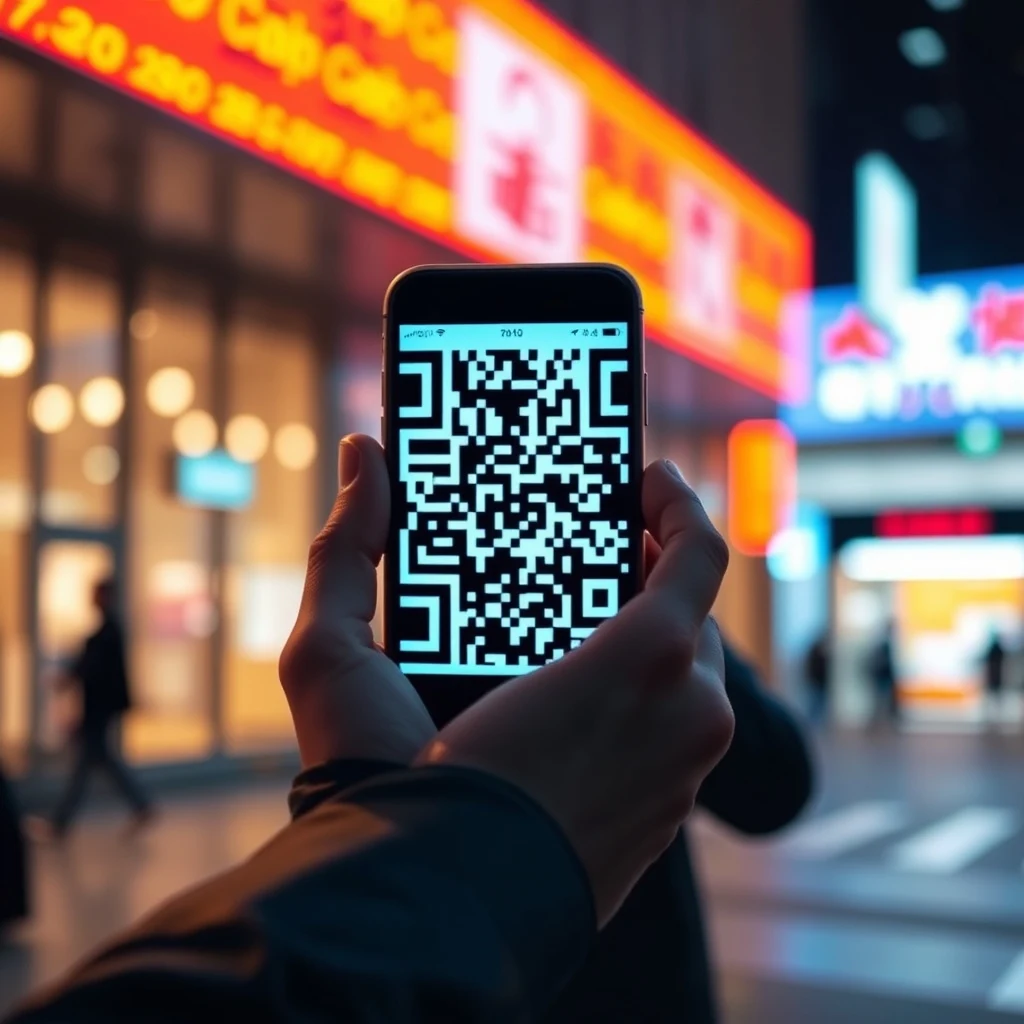
How to Spot and Avoid QR Code Scams: The Ultimate Safety Guide
One of the worst parts about getting scammed is the shame, and that shame just plays right into the hands of the crooks. When individuals fall victim to modern digital fraud, they often keep it to themselves out of embarrassment. However, if we do not share these personal stories and spread awareness, no one gets warned, and the criminals simply move on to their next unsuspecting target.
Quick Response (QR) codes have quietly woven themselves into the fabric of our daily lives. From viewing menus at our favorite local coffee shops to paying for parking meters and logging into workspace computers, these pixelated squares are everywhere. They promise frictionless convenience—a simple scan of the smartphone camera transports us instantly to a website, a payment portal, or a downloadable app.
Unfortunately, convenience is a cybercriminal's best friend. Security experts have observed a massive surge in a new wave of cyberattacks known as "quishing"—a clever portmanteau of "QR code" and "phishing." Fraudists are weaponizing these everyday digital squares to siphon money, steal login credentials, and infect personal devices with malware. If you do not know what to look for, a harmless-looking scan could lead to a digital nightmare.
Here at TechRook, we want to ensure you stay safe in an increasingly digital world. In this comprehensive guide, we will break down how QR code scams work, the psychological tricks scammers use, and actionable tips on how to avoid getting caught.
The Anatomy of a QR Code Scam: What is "Quishing"?
To understand how to protect yourself, you first need to understand how the threat operates. Traditional phishing relies heavily on deceptive emails containing malicious hyperlinks. Because email security filters have gotten remarkably good at spotting suspicious links, cybercriminals needed a new vector that bypasses traditional email scanners entirely.
Enter the QR code. When you scan a QR code with your smartphone, your phone typically displays a preview of the destination URL before actually opening it. However, many users tap that preview automatically without reading it, trusting the physical or digital context of where the code was found.
Scammers exploit this trust in a variety of creative ways:
- Physical Tampering: Fraudsters print malicious sticker overlays and paste them directly on top of legitimate QR codes found on parking meters, public rental bikes, restaurant tables, and utility bills.
- Email Phishing: You receive an official-looking notification from a delivery service, a streaming platform, or your bank, claiming there is an issue with your account. Instead of a link, the email displays a QR code that you must scan to "verify your identity."
- Social Media and Advertising: Fake giveaways, investment opportunities, or customer support scams use eye-catching QR codes on social platforms to lure users into quick-scanning behavior.
Once you scan the malicious code, you are directed to a spoofed website designed to mimic a trusted brand. From there, you might be prompted to enter your banking credentials, download a remote access app, or authorize a fraudulent transaction.
Real-World Scenarios: Where Are You Most at Risk?
Scammers go where the people are. Because QR codes are utilized across multiple industries, the attack vectors are diverse. Recognizing these common scenarios can drastically reduce your vulnerability.
1. The Parking Meter Trap
Municipalities around the world have replaced traditional coin-operated parking meters with app-based payment systems accessed via QR codes. Drivers pull up, scan the code on the meter, and pay using their smartphones. Scammers take advantage of this by slapping fake stickers over the real codes. Unsuspecting drivers scan the fake code, land on a remarkably convincing replica of the city’s payment portal, and input their credit card information, handing over sensitive financial data directly to thieves.
2. The Utility Bill Con
Imagine opening your monthly electricity or gas bill, scanning the convenient payment code printed on the paper statement, and unknowingly paying an offshore criminal account. While many bills are delivered digitally, physical mail scams involving altered billing statements remain a persistent threat. If the code directs you to a strange URL extension or an unsecure payment gateway, you could be handing over money to a fraudster.
3. Restaurant Menus and Hospitality
The post-pandemic restaurant industry largely adopted QR code menus to reduce physical contact. While most establishments maintain secure digital menus, hackers occasionally target these displays, especially in outdoor seating areas or tourist hotspots. Scanning a tampered menu code can redirect your phone to a malicious site that attempts to download malware onto your mobile device.
4. Fake Package Delivery Notifications
Package delivery scams are classic phishing tropes, but adding a QR code gives them a modern twist. You receive a text message or email stating that a package could not be delivered due to an incorrect address. To reschedule delivery, you are instructed to scan the code. The resulting landing page asks for a small "redelivery fee," capturing your credit card details in the process.
The Psychology Behind Quishing Success
Why do these scams work so well, even on tech-savvy individuals? Cybercriminals do not just rely on technical exploits; they master human psychology.
First, QR codes exploit our desire for speed and efficiency. We are conditioned to expect instant gratification from technology. When we scan a code, our brains switch off critical thinking because we assume the physical object or digital screen we are interacting with is safe.
Second, authority bias plays a massive role. If a QR code is printed on an official-looking government parking sign, a bank statement, or a major airline notification, our brains automatically grant it legitimacy. We rarely question the integrity of the medium because we trust the institution it purports to represent.
Finally, urgency and fear drive impulsive actions. Messages involving missed deliveries, canceled flights, or compromised bank accounts trigger a stress response. When people feel panicked, they are far more likely to act quickly and scan a code without verifying its destination first.
How to Protect Yourself: Essential Tips and Tricks
You do not need to abandon QR codes entirely to stay safe. By adopting a few healthy digital habits and security practices, you can enjoy the convenience of these pixelated codes while keeping cybercriminals at bay.
| Security Habit | What It Does | Why It Matters |
|---|---|---|
| Inspect the Physical Code | Check if the QR code is printed directly on the material or if it is a sticker overlay. | Scammers often use stickers to cover legitimate codes on parking meters and signs. |
| Preview the URL | Look at the web address displayed by your phone's camera before tapping to open it. | Helps you spot misspelled domain names, strange extensions, or unsecure HTTP links. |
| Use a Secure Scanner App | Download a dedicated QR scanner app that checks links for safety before launching them. | Many modern built-in phone cameras do this, but third-party security apps offer an extra layer of protection. |
| Verify the Source | Ask yourself if you expected to see a QR code in this specific context. | Random codes on flyers, unprompted emails, or suspicious notices should always raise red flags. |
1. Always Check for Physical Tampering
Before pulling out your phone to scan a code on a public sign, parking meter, or restaurant table, take a quick moment to inspect it. Run your finger gently over the surface. Does it feel like a sticker? Is there another code peeling up underneath it? If anything looks out of place, do not scan it. Report the tampered sign to the establishment or local authorities immediately.
2. Read the URL Preview Carefully
Modern smartphones running iOS and Android typically display a preview link banner when you point your camera at a QR code. Never tap that banner blindly. Take a split second to read the web address. Does the domain match the company or service it claims to represent? Watch out for subtle typos, such as "g00gle.com" instead of "google.com," or strange top-level domains that look suspicious.
3. Never Scan QR Codes in Unsolicited Emails or Texts
If you receive an email or text message from a bank, delivery service, or utility provider featuring a QR code, treat it with extreme caution. Legitimate companies rarely ask you to scan a code to resolve account issues. Instead of using the QR code, navigate directly to the company's official website through your browser or open their verified mobile app to check your account status.
4. Keep Your Operating System Updated
Software developers constantly release security patches to protect devices against emerging threats. Ensuring that your smartphone’s operating system and native camera apps are up to date helps protect you against exploits that malicious websites attempt to run when loaded onto your phone.
5. Consider Cybersecurity Software for Mobile
Many people install robust antivirus and anti-malware software on their laptops and desktop computers, yet leave their smartphones completely unprotected. Given how much sensitive personal and financial data we store on our phones, investing in a reputable mobile security app that scans URLs and warns you about malicious landing pages is a wise decision.
What to Do If You Fall Victim to a QR Code Scam
Even with the best precautions, mistakes happen. Cybercriminals are sophisticated, and anyone can have an off day. If you realize you have scanned a malicious QR code and handed over sensitive information, do not panic—and definitely do not let shame stop you from taking immediate action.
- Disconnect Immediately: Close your browser window, turn off your phone’s Wi-Fi and mobile data, or put the device into airplane mode if you suspect malware is downloading.
- Secure Your Accounts: If you entered login credentials, change your passwords immediately across all affected services. Enable Two-Factor Authentication (2FA) wherever possible.
- Contact Your Bank: If you input financial details or authorized a fraudulent payment, call your bank or credit card issuer instantly. Report the fraudulent activity, freeze your cards, and request replacements.
- Run a Security Scan: Use a trusted mobile security application to scan your device for any unauthorized apps or background malware that may have been downloaded.
- Report the Scam: Share your experience with local cybercrime reporting agencies. By speaking up, you help authorities track emerging threat trends and protect other potential victims from falling into the same trap.
Conclusion
QR codes are here to stay. They offer undeniable utility that makes everyday transactions smoother and faster. However, as technology evolves, so do the tactics of malicious actors seeking to exploit our trust.
By understanding how quishing works, maintaining a healthy dose of skepticism toward unsolicited codes, and following the practical safety habits outlined in this guide, you can navigate the digital world with confidence. Stay alert, trust your instincts, and never let the fear of embarrassment keep you from reporting a scam or spreading awareness to help protect your friends and family.



0 Comments