
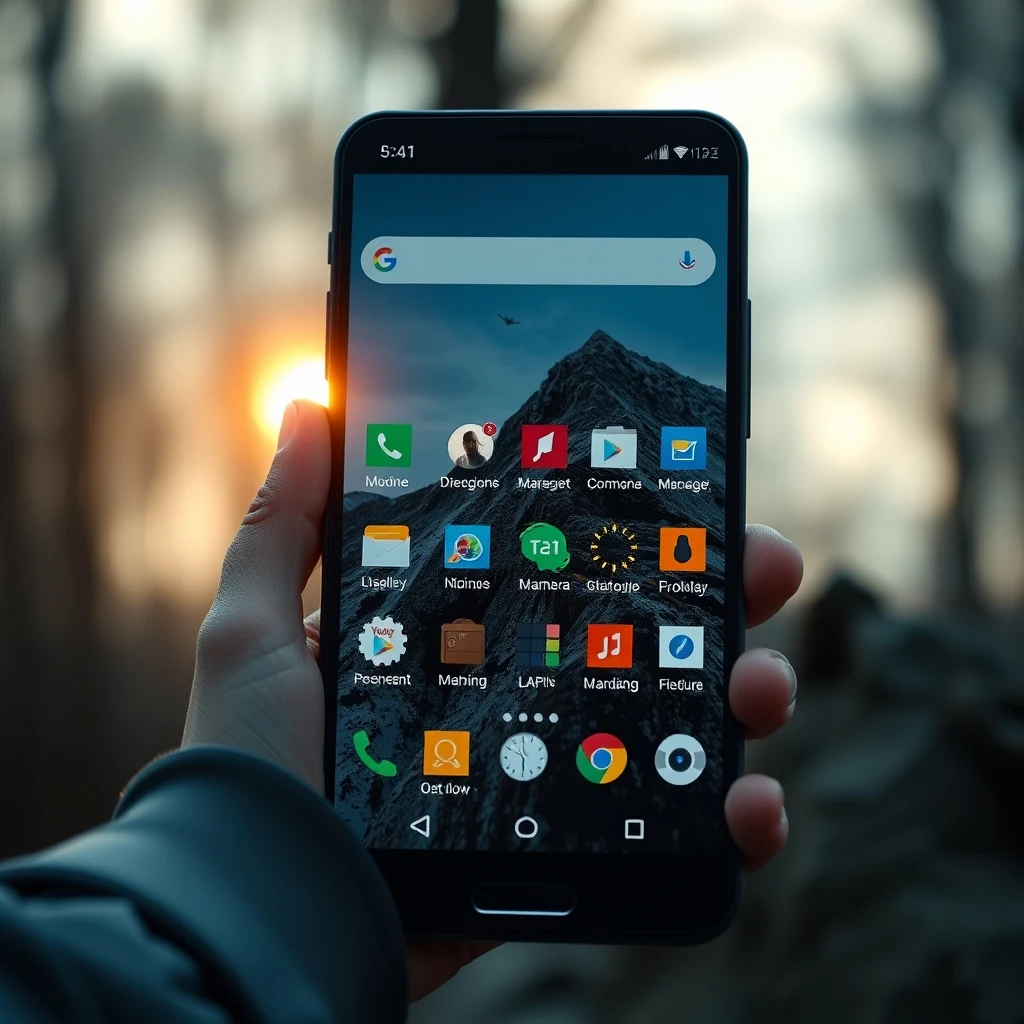
Introduction to Android File Managers
Android devices come with a default file manager that allows users to manage their files and folders. However, the default file manager may not provide all the features and functionality that users need. Fortunately, it is possible to replace the default file manager on Android devices with a third-party file manager. In this article, we will explore how to replace the default file manager on Android and some of the best alternative file managers available.
Why Replace the Default File Manager?
There are several reasons why you may want to replace the default file manager on your Android device. Some of the reasons include:
- Limited features: The default file manager may not provide all the features that you need, such as support for cloud storage or FTP servers.
- Poor user interface: The default file manager may have a poor user interface that makes it difficult to navigate and manage your files.
- Security concerns: The default file manager may have security vulnerabilities that can put your device and data at risk.
How to Replace the Default File Manager
Replacing the default file manager on Android is a straightforward process. Here are the steps to follow:
- Go to the Google Play Store and search for a third-party file manager that you want to install.
- Download and install the file manager app.
- Open the file manager app and follow the prompts to set it as the default file manager.
- Grant the file manager app the necessary permissions to access your device's storage and files.
Best Alternative File Managers
There are many alternative file managers available for Android devices. Some of the best options include:
- ES File Explorer: A popular file manager that provides a wide range of features, including support for cloud storage and FTP servers.
- Solid Explorer: A feature-rich file manager that provides a clean and intuitive user interface.
- FX File Explorer: A fast and efficient file manager that provides a wide range of features, including support for cloud storage and FTP servers.
Benefits of Replacing the Default File Manager
Replacing the default file manager on Android can provide several benefits, including:
- Improved security: Third-party file managers may provide better security features, such as encryption and password protection.
- Increased functionality: Third-party file managers may provide additional features, such as support for cloud storage and FTP servers.
- Customization options: Third-party file managers may provide customization options, such as themes and layouts.
Conclusion
In conclusion, replacing the default file manager on Android is a simple process that can provide several benefits, including improved security, increased functionality, and customization options. By following the steps outlined in this article, you can replace the default file manager on your Android device with a third-party file manager that meets your needs. Whether you are looking for a file manager with advanced features or a simple and intuitive user interface, there are many alternative file managers available for Android devices.



0 Comments