
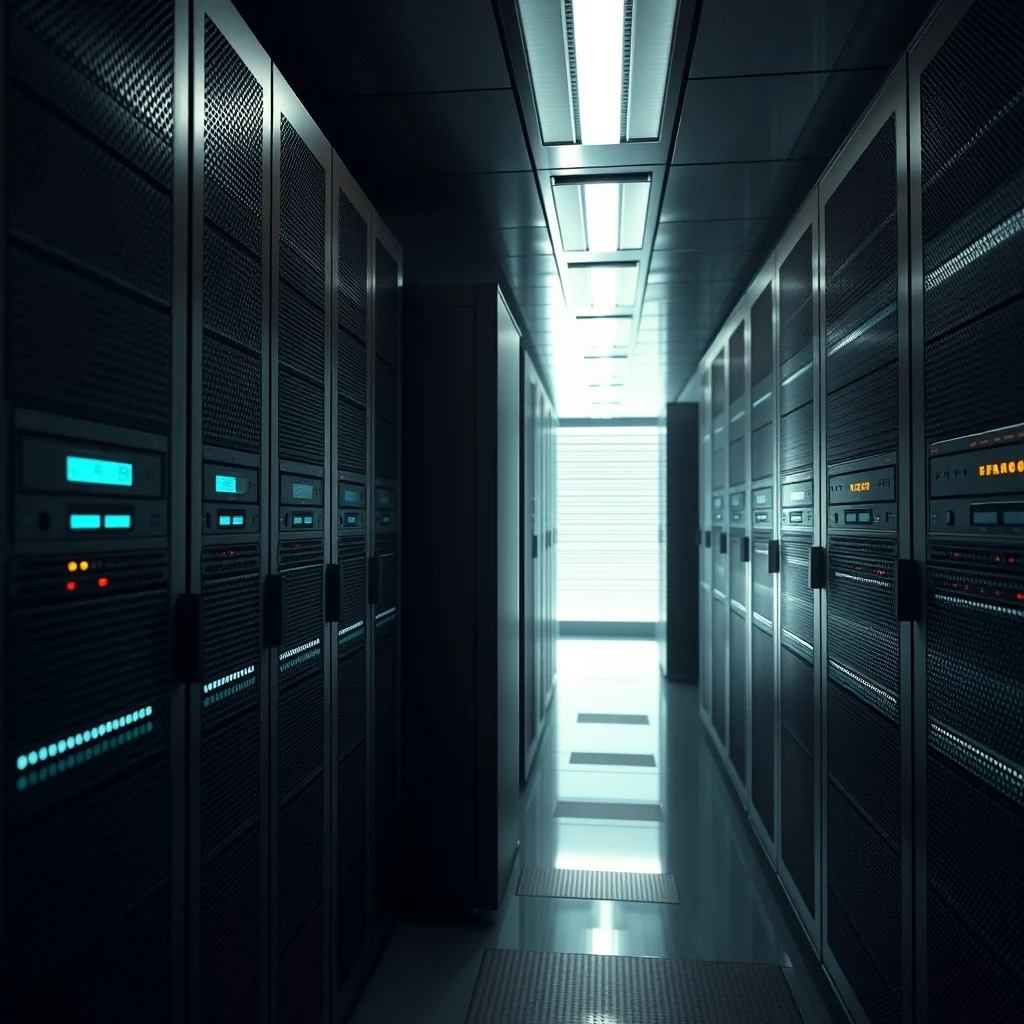
Introduction to Home Servers
Setting up a home server can be a great way to manage and store your personal data, stream media, and even host your own website. A home server is a centralized location where you can store and access all your files, documents, and media from any device connected to your network. In this article, we will guide you through the process of setting up a home server for personal use.
Benefits of a Home Server
There are many benefits to setting up a home server, including:
- Centralized storage and access to all your files and documents
- Ability to stream media to any device on your network
- Improved security and control over your personal data
- Ability to host your own website or blog
- Cost-effective and energy-efficient compared to cloud storage
Choosing the Right Hardware
When it comes to setting up a home server, you will need to choose the right hardware to meet your needs. You will need a:
- Computer or server device to act as the brain of your home server
- Storage drives to store all your files and documents
- Networking equipment such as a router and switch to connect all your devices
- Power supply to keep your home server running smoothly
Setting Up Your Home Server
Once you have all the necessary hardware, it's time to set up your home server. Here are the steps to follow:
- Install an operating system such as Windows or Linux on your server device
- Configure your networking equipment to connect all your devices to your home server
- Set up your storage drives and configure them to work with your home server
- Install any necessary software or applications to manage and access your files and documents
Configuring Your Home Server
Once your home server is set up, you will need to configure it to meet your needs. This includes:
- Setting up user accounts and permissions to control access to your files and documents
- Configuring backup and recovery options to ensure your data is safe in case of a disaster
- Setting up security measures such as firewalls and antivirus software to protect your home server from threats
- Configuring remote access options to allow you to access your home server from anywhere
Conclusion
Setting up a home server can be a great way to take control of your personal data and improve your productivity. By following the steps outlined in this article, you can create a powerful and secure home server that meets your needs. Remember to choose the right hardware, configure your home server correctly, and take steps to ensure the security and integrity of your data. With a home server, you can enjoy the benefits of centralized storage, media streaming, and improved security, all from the comfort of your own home.



0 Comments